franksingleton
Well-Known Member
Windy used to have a facility letting you compare forecasts from several models at one location. Has that disappeared as is the way for many useful online products? Or am I being my old incompetent self?

In here on the wind tab. Hiding in plain sight, I lost it for a while as wellWindy used to have a facility letting you compare forecasts from several models at one location. Has that disappeared as is the way for many useful online products? Or am I being my old incompetent self?
 >
>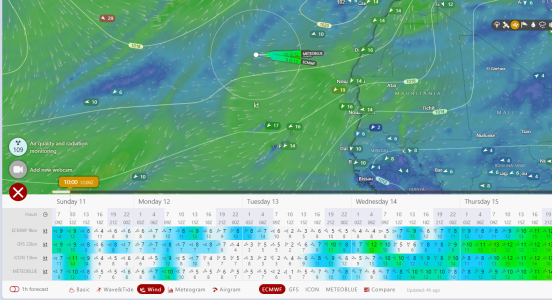
As ever, change is not necessarily for the good. The display used to be far easier to read. The screenshot is too big to upload.In here on the wind tab. Hiding in plain sight, I lost it for a while as well
View attachment 172169
Also has a "download data" being tested which could be useful. Haven't got it to work yet though.

click the location to get the windsock.As ever, change is not necessarily for the good. The display used to be far easier to read. The screenshot is too big to upload.
Also, I cannot get the comparison you show. Can you give me an idiot’s guide.
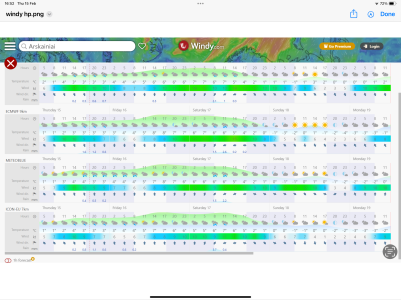
Ah! OK. I had not looked at this facility for a while. It does not work for me on the iPad but does on the laptop. I just cannot remember what happened when I last tried it well over a year ago. Thinking back, I am pretty sure it was OK on the iPad. On my laptop, I only see 3 models and have to scroll down to see the rest.click the location to get the windsock.
Right click the windsock choose forecast
at the bottom of the page chose compare.

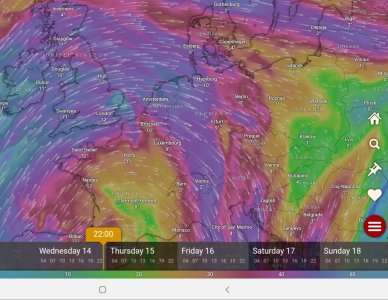

What are you doing there in Feb? Seems sort of a bad plan.In here on the wind tab. Hiding in plain sight, I lost it for a while as well
View attachment 172169
Also has a "download data" being tested which could be useful. Haven't got it to work yet though.

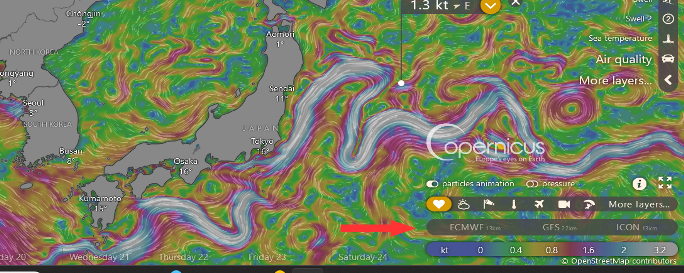
It is a bit of a mystery. It seems to me that Windy behave differently between iPhone, iPad and PC. For example, on my iPad, I do not see “Compare.” But, I am never quite sure whether it is my clumsiness or the software. Using my iPad I usually get a disply like GHA showed at #3. Once, I got the display attached here. On my PC, I always get this display but have to scroll down to see AROME or UKV. No problem as these are of little relevance for cruising. I just wish I could always get the display here. It is far easier to use than the other one.OK on my iPhone:
1, tap on the required location
2, At the top of the screen select "Forecast for this location"
3, at the bottom of the screen select three vertical dots labelled more
4, at the bottom select compare forecasts
Previous was for on a MacBook using Safari.
that's the display I get on Mac, Ipad and iPhone . Never seen any other format!It is a bit of a mystery. It seems to me that Windy behave differently between iPhone, iPad and PC. For example, on my iPad, I do not see “Compare.” But, I am never quite sure whether it is my clumsiness or the software. Using my iPad I usually get a disply like GHA showed at #3. Once, I got the display attached here. On my PC, I always get this display but have to scroll down to see AROME or UKV. No problem as these are of little relevance for cruising. I just wish I could always get the display here. It is far easier to use than the other one.
OK. It see sa little critical to the order in which you hit parts of the screen. Although it says you can only get local forecasts at named locations, I have managed to get data at other locations. Not quire sure how so must try again.that's the display I get on Mac, Ipad and iPhone . Never seen any other format!