Resizing photos for the forum

Ex-SolentBoy

Well-Known Member
Joined
25 Nov 2006
Messages
4,294
Visit site
Irrespective of the tool you use, or where it is hosted, is there and optimum pixel size for embedded photos, as opposed to attached ones.

I seem to have posted a few rather too large recently.

Is 1000 by 800 about right?
 
I usually do them 1000 wide, but sometimes 800. Most pc based people will be able to view them easily unless they have an old, small monitor or choose to use a low resolution setting.
I haven't the faintest what mobiles and tablets make of them.
 
iPad "scales" so that the largest picture on any one page fits.
This means that if you post a massive photo, all the other text on the page shrinks to be tiny.
 
At one time there was a rule that said 600 wide max.
times have moved on though.

Big pictures take a long time to down load on a slow connection and a number of big pictures in the same post will take forever.

If you want to put up big pictures or if you have a number to post it makes sense to post them as thumbnails. The reader can then decide whether or not to view them full size.
 
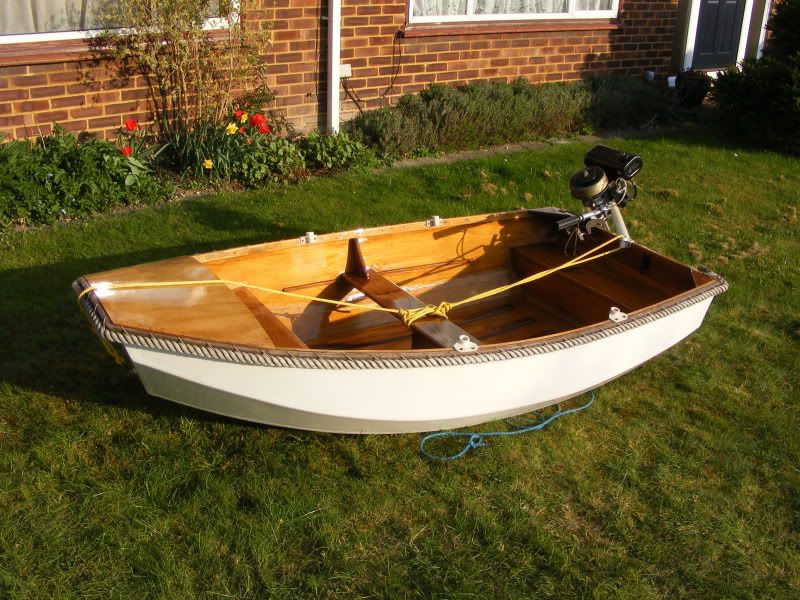
This one is 800x 600 That's ok I think

DSCF1078.jpg


This is how it can be posted as a clickable thumbnail

 
Last edited:
That (800x600) worked for me - as I still have an old laptop with a 4:3 1024x768 display. When a large picture is posted all the text on that page of the thread spreads out to the width of the photo. Thats a pain on my display
 
This one is 1024 x 768

DSCF1018.jpg


This is the size above which there will be problems with the forum page width.
 
iPad "scales" so that the largest picture on any one page fits.
This means that if you post a massive photo, all the other text on the page shrinks to be tiny.

How delightfully last century.

Android flows the text to fit the width of the screen, so that it all remains readable without the need to scroll horizontally, whilst preserving it at a readable size. The pics seem to scale if close to screen size or run off the side if huge, but can be scaled to fit the screen with a quick double tap. At this point the text reflows to suit. Quite neat really.
 
Vics big pic gave me a tiny hint of scroll bar, so 1000 pixels would be spot on.

I'm using a 19" monitor, but don't have the browser full screen. I'm just about to install some software on a recently acquired 12" laptop/tablet, i'll see how that looks.

Not so much the physical screen size as the screen resolution you use. Mine is only a 17" monitor but the picture of Galenaia is fine at the resolution I am using (1280 x 1024). I do also have the browser full screen.
 
Last edited:
I use a laptop at 1366x768 on a 15" screen which shows most pics fine unless someone has been very silly.
I didn't know tablets scaled pics. Some browsers can do that as well.

Frankly if you are having trouble viewing a 1000 pixel image that's your problem, not everyone else's. Very last century (:D)
 
iPad "scales" so that the largest picture on any one page fits.
This means that if you post a massive photo, all the other text on the page shrinks to be tiny.

Though in reality, at least on my ipad, a thread doesn't normally go out to the right hand side in either landscape or portrait, and the biggest pic here takes it out to the right hand side with no real change in font size
 
This one is 800x 600 That's ok I think

DSCF1078.jpg


This is how it can be posted as a clickable thumbnail


I tried to do this yesterday and failed miserably. I am sure that I have done it before but possibly not on my iPhone. Could someone please re-educate a Luddite on new fangled technology please???
 
Thanks.

I have looked at the pictures in this posting on several devices and I shall go with 800/600 for embedded and thumbnails for anything that needs more detail.
 
Speaking as someone who is on the end of an often flakey and always expensive wifi connection - a plea to keep photos small if possible. 600 pixels in the longer dimension is usually quite big enough for the purpose of illustration, and will still give a good picture with a JPEG compressed below 100kb.

If you don't have a regular photo editor, on a PC one way to reduce the size is to view it with Windows Photo Gallery, then click 'e-mail'. Select the picture size and click 'Attach'. You will find a draft e-mail has been created (using Livemail or your regular email program) containing the reduced picture as an attachment. The file-name then can be dragged from the email attachment bar to use it elsewhere.
 
Last edited:
Speaking as someone who is on the end of an often flakey and always expensive wifi connection - a plea to keep photos small if possible. 600 pixels in the longer dimension is usually quite big enough for the purpose of illustration, and will still give a good picture with a JPEG compressed below 100kb.

If you don't have a regular photo editor, on a PC one way to reduce the size is to view it with Windows Photo Gallery, then click 'e-mail'. Select the picture size and click 'Attach'. You will find a draft e-mail has been created (using Livemail or your regular email program) containing the reduced picture as an attachment. The file-name then can be dragged from the email attachment bar to use it elsewhere.

I always use Photobucket for pictures I want to post. The size can be selected at the uploading stage. They can be reduced at a later date if needs be and the re-re- sized picture either saved separately or in place of the original

I used to re-size them first with a photoeditor but the re-sizer in Photobucket makes this unnecessary.

Various on line re-sizers have been mentioned in the past but I've not used any of them.

If you have Microsoft Office then pictures can be re-sized using MS Office Picture Manager.
 
Top