gordiew
New Member
Hi new to the forum and trying to post. maybe i'm missing something but I cant find anywhere the attachment icon to be able to attach a photo to a post can anyone help ?



Hi new to the forum and trying to post. maybe i'm missing something but I cant find anywhere the attachment icon to be able to attach a photo to a post can anyone help ?
As suggested Photobucket is the best way


One downside of photobucket is from the link you can get straight into the linkers photobucket images, the likes of imgur can hide that.I guess it depends upon how you view the Forum. I never use a computer/laptop just an iPad. I only use a laptop to back up my iPad.
With the Photobucket App you just click on a photo and you get a choice of links. I use the IMG Code link then paste it directly into the Forum.
Hopefully I've nothing to hideOne downside of photobucket is from the link you can get straight into the linkers photobucket images, the likes of imgur can hide that.
Nice red Jag BTW
Hopefully I've nothing to hide
One downside of photobucket is from the link you can get straight into the linkers photobucket images, the likes of imgur can hide that.
Nice red Jag BTW
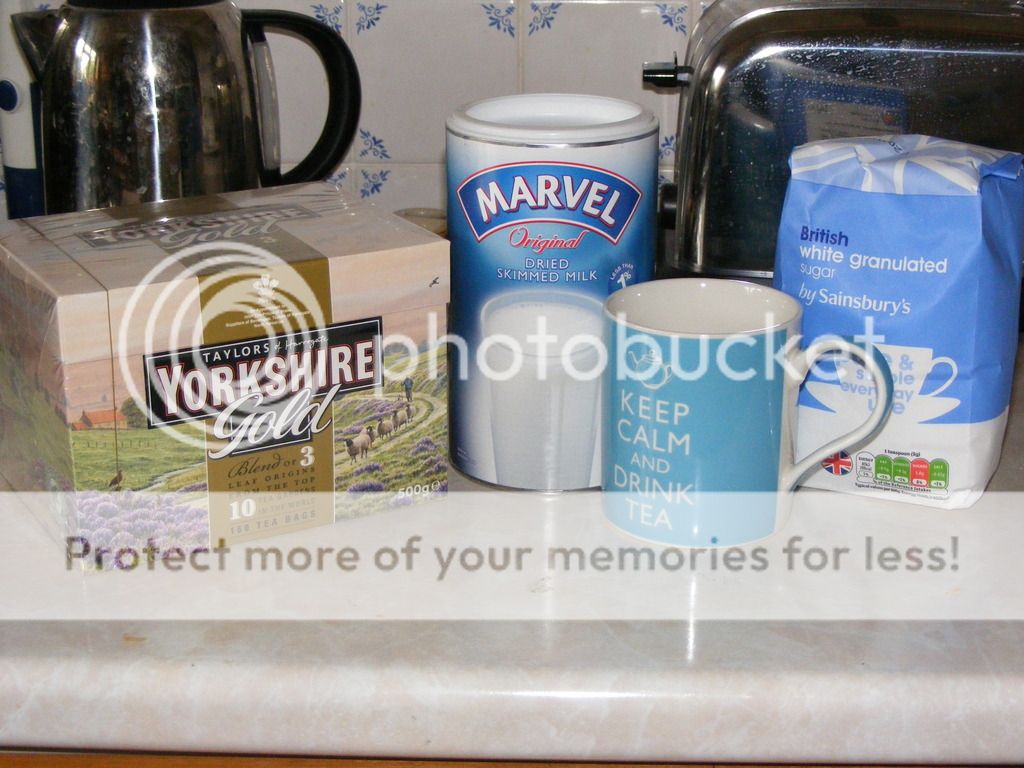
Looks about 37, yes. I've never really delved into imgur, but a quick look it seems like the default album is private but you can still create a public link to any image if you want.Not if the linker makes them private
Here is a photo from my Photobucket account.. There are over 1000 pictures, arranged in a number of albums and sub-albums, in my account. A few are publically accessible. How many others can you access? It should only be about 37.
>If you do not see the tool bar then you need to change to standard or enhanced editor in settings/ general settings. Not noticed it before but if you "go advanced" you do get an "attachments" icon added to the toolbar. You can also use "manage attachments" if you scroll down to "Attachments" under "Additional options"
I've done a seach for all of those and nothing comes up, I've even searched for attachments and nothing comes up.
>In the top RH corner of the YBW page click on "settings" Then in the LH panel of the page that opens click on "general settings". Scroll down until you find the options for "Message Editor Interface"
Make you selection and scroll right to the bottom to "Save changes"
Done that. This is on: Enhanced Attachment Uploading on.
The forum features an enhanced attachment uploading system that allows you to reuse existing attachments via a drag and drop interface.
>The "go advanced" button is one of those below the RH bottom corner of the reply text entry box .
The reply text entry box isn't there.