
Replacement for Photobucket?

MM5AHO

Well-Known Member
Joined
1 Oct 2007
Messages
2,552
Location
Central Scotland
Visit site
IIt used to be easy to add a picture to a post on here by direct linking to one hosted in photobucket, but they seem to have changed policy such that free accounts can no longer link to a picture from some forum or otherwebsite, such as YBW.
What is best to use now for a replacement free system?
 
I use Flicker and have posted all my forum pictures from there since I joined. The T&C of Flicker state that you must copy and paste the whole of the BB code in so that the link directs back to flicker and also states something like hosted on Flicker. I have an app on my computer and phone which loads any picture I select directly into Flicker. It's a piece of cake.

Click to open flicker, click on photo stream, click on picture, click on share button, click on size (this is medium), copy BB code link, paste into post - 7 steps (or 6 if you accept default size), seconds to do.

All the text associated with the picture is the default text that comes with the BB code. You can probably edit this out of the link but you must have link back to Flicker.

Untitled by Rival Sailor, on Flickr
 
Last edited by a moderator:
Can you link to a forum post from these ?

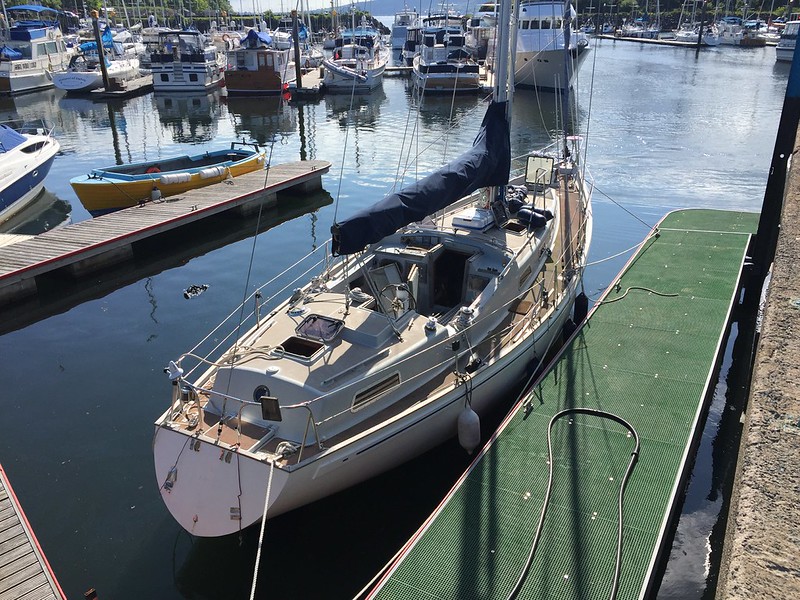
IMG_5412.JPG


Richard
 
Can you link to a forum post from these ?
Imgur.com must be one of the easiest.
Windows key then S to open the snipper app, snip the screen ,copy the snip, into imgur, press the new post button then copy BB link when it's uploaded, paste straight into the post.
Not that many seconds with a few goes at it.

PSdKvg4.gif


ImLL1tk.png
 
As the others, I have always used Flickr.

They change it around now and again but it is generally easy to sort out, costs nothing and it's simple to grab your foto. Works well with YBW.
 
What is best to use now for a replacement free system?
I also use Dropbox, which I think works well for forum posts.
One thing to check before choosing a replacement is if your OS is supported. Dropbox just announced that from Jan 1st they will no longer accept Windows Vista and Mac OS X older than 10.9.
 
An alternative which is not free but hardly breaks the bank is to register your own domain - a few quid - and then get a hosted website. Now it's entirely your copyright, and entirely under your control and you can do what you like. Uploading is taken care of with the ususal tools. If you make a directory called whatever you like (something like photos_for_linking maybe) and put your photos there then you can link entirely naturally from anywhere.

For a hosting site I use FVS https://www.freevirtualservers.com. minumum cost is ~£7 a year - as I said it doesn't break the bank but I also pay the £1.67 per month for a much larger storage space. Half a pint a month - not that expensive! I sometimes wonder why everyone is so obsessed by 'free' when it means bombarded by ads, compromise of copyright and possibility (nay, probability) of them changing rules on you once you've got lots of content and now depend on them (it's what Google did to my photos on picasss and I can no longer get at them).
 
[ img ] https://www.flickr.com/gp/154525785@N06/13b60Y [ /img ] that didn't work then!!

Under the picture of the ship on the rocks, to the right hand side, is right pointing arrow, sort of curved shape tail, looks like a "forward to" email arrow. Click on this and copy all of theBB code, it should already come up highlighted, so just click the browser copy button. Paste the BB code strIght into a forum posting box.
 
Under the picture of the ship on the rocks, to the right hand side, is right pointing arrow, sort of curved shape tail, looks like a "forward to" email arrow. Click on this and copy all of theBB code, it should already come up highlighted, so just click the browser copy button. Paste the BB code strIght into a forum posting box.

I get the share arrow but no BB code ... let's see if I can attach a photo :nonchalance:

Photo is public and I am not using an app ... this is the actual website.

PS. Just loaded app, hit the arrow and get:

https://flic.kr/p/FWv1Zs
 
Last edited:
Thanks for trying to help Doug but this is weird.

The screenshot showing no BB code came from me using the website.

I then downloaded the app.

Clicking on the share button gave me the link that you can see. Now it gets odd.

If I click on the link, I open my own account and the share button shows a BB link!!

But then I can't copy it as for some reason the 'select all' option doesn't appear and I can only copy part of the BB link.

Off to buy a Hudl ... these iPads really are pants :D:D
 
Top